
AI Video Generator: Short videos from a prompt or a product photo.
Describe the video you want, or start from your own image. Qevio writes the scene plan, picks a suitable video model and renders a clip sized for TikTok, Reels, Shorts, feeds or YouTube.
What is the Qevio AI Video Generator?
Qevio's AI Video Generator turns a text prompt or a product photo into a short marketing video. Describe the scene, pick a length of 5 to 30 seconds and a shape such as 9:16 for TikTok, Reels and Shorts, and Qevio picks a suitable video model, shows the credit price and makes an MP4 you can download. You don't need a camera or editing skills.
Updated
What you can make
Text to video
Turn a written idea or script into a short clip.
Image to video
Use a product or reference photo as the first frame, on models that support it.
Platform sizes
Vertical for TikTok, Reels and Shorts, square or portrait for feeds, landscape for YouTube.
Quality modes
From fast drafts to cinematic camera moves and product-accurate ads.
What people use it for
Product ads
Short ads for TikTok, Reels and paid social that show your product in motion.
Store listings
Product videos for Shopify, Amazon or Etsy, made from the product photos you already have.
Daily social content
Reels, Shorts and TikToks without filming every post.
Launches and promos
Teasers and brand films with cinematic camera moves and lighting.
UGC-style clips
Natural, creator-style scenes with people and real places, for lifestyle content.
Testing hooks
Draft several openings in Fast mode, then make the winner in High Quality.
How it works
- Step 1
Write the prompt
Describe the scene, product or message. Attach an image if you want to start from it.
- Step 2
Choose length and format
Pick a duration, an aspect ratio and, where the model offers it, a resolution.
- Step 3
Check the estimate
The credit cost is shown before anything runs.
- Step 4
Generate and download
Watch progress, then download the clip or make a variation.
Which mode should you choose?
Leave it on Auto, or pick a mode for speed, price or look. Every mode shows its price before you generate.
| Mode | Best for | What it does |
|---|---|---|
| Auto | Most campaignsQevio picks the right model for each asset. | Qevio picks the right model for each asset. |
| Fast | Drafts and testing hooksQuick drafts to test ideas before you commit. | Quick drafts to test ideas before you commit. |
| Best Value | Daily social contentSolid quality at the lowest credit cost. | Solid quality at the lowest credit cost. |
| High Quality | Launches and paid adsSharper motion and detail for hero assets. | Sharper motion and detail for hero assets. |
| Cinematic | Brand films and promosFilm-style camera moves, lighting and depth. | Film-style camera moves, lighting and depth. |
| Product Ad | Ecommerce listings and adsKeeps your product accurate and front and centre. | Keeps your product accurate and front and centre. |
| Realistic | UGC-style and lifestyleNatural people, places and lighting. | Natural people, places and lighting. |
The right shape for every platform
Pick the shape before you generate, so nothing important gets cropped.
- TikTok
- 9:16 vertical
- Instagram Reels and Stories
- 9:16 vertical
- YouTube Shorts
- 9:16 vertical
- Instagram and Facebook feed
- 4:5 portrait or 1:1 square
- YouTube, websites and LinkedIn video
- 16:9 landscape
- Wide brand films and banners
- 21:9 cinematic
Write a prompt that works
Plain words are enough. These examples show the kind of detail that gets the best results.
Example prompts
“Slow orbit around a matte black water bottle on wet stone, morning mist, soft backlight.”
“A hand takes a glass serum bottle from a sunny bathroom shelf, close-up, gentle push-in, warm light.”
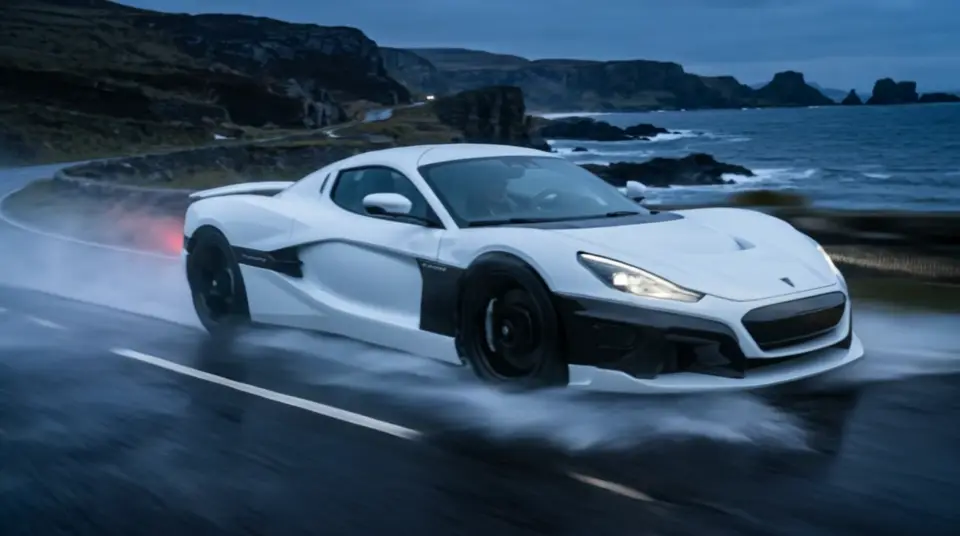
“An electric sports car drives along a coastal road at sunset, drone tracking shot, cinematic.”
“Creator-style clip: a young woman unboxes wireless headphones at her desk and smiles at the camera, natural window light.”
Tips for better results
- Describe one scene and one camera move. Short clips look best with a single clear action.
- Name the subject, the setting, the light and the mood.
- Start from a product photo when the product must look right. It becomes the first frame.
- Test ideas in Fast or Best Value, then switch to High Quality or Cinematic for the final version.
- Pick the shape for where you'll post it rather than cropping later.
Specs at a glance
- Durations
- 5, 10, 15, 20 or 30 seconds, depending on the model
- Formats
- 9:16 vertical, 1:1 square, 4:5 portrait and 16:9 landscape, plus 21:9 cinematic
- Resolutions
- 480p, 720p or 1080p, depending on the model
- Models
- Auto, or the Kling 3.0, Seedance 2.5 and Cinema Studio 4.0 video models
- Start from
- A text prompt, or a JPG, PNG or WebP photo up to 10 MB as the first frame
- Styles
- Clean studio, luxury, cinematic, UGC / creator, playful, minimal or bold
- Download
- MP4, or share a link to the finished video
Questions
Yes. Attach a JPG, PNG or WebP image up to 10 MB and use it as the first frame on video models that support image-to-video.
Learn more
- Help: Make an AI video
- Help: Turn a photo into a video
- Help: Models and quality modes
- Help: Sizes, formats and file limits
- Help: Auto Video Editor
- Guide: Make a TikTok product video
- Guide: Turn a product photo into a video
- Guide: 25 AI video prompts for products
- Guide: YouTube Shorts with AI
- Guide: Instagram Reels with AI